Tables in PDFs, finally usable.
Tables often hold the figures people care about most. They can also be the part of PDFs that’s hardest to work with. Eno changes that.
We'll send you a link to install Eno on your Mac or PC

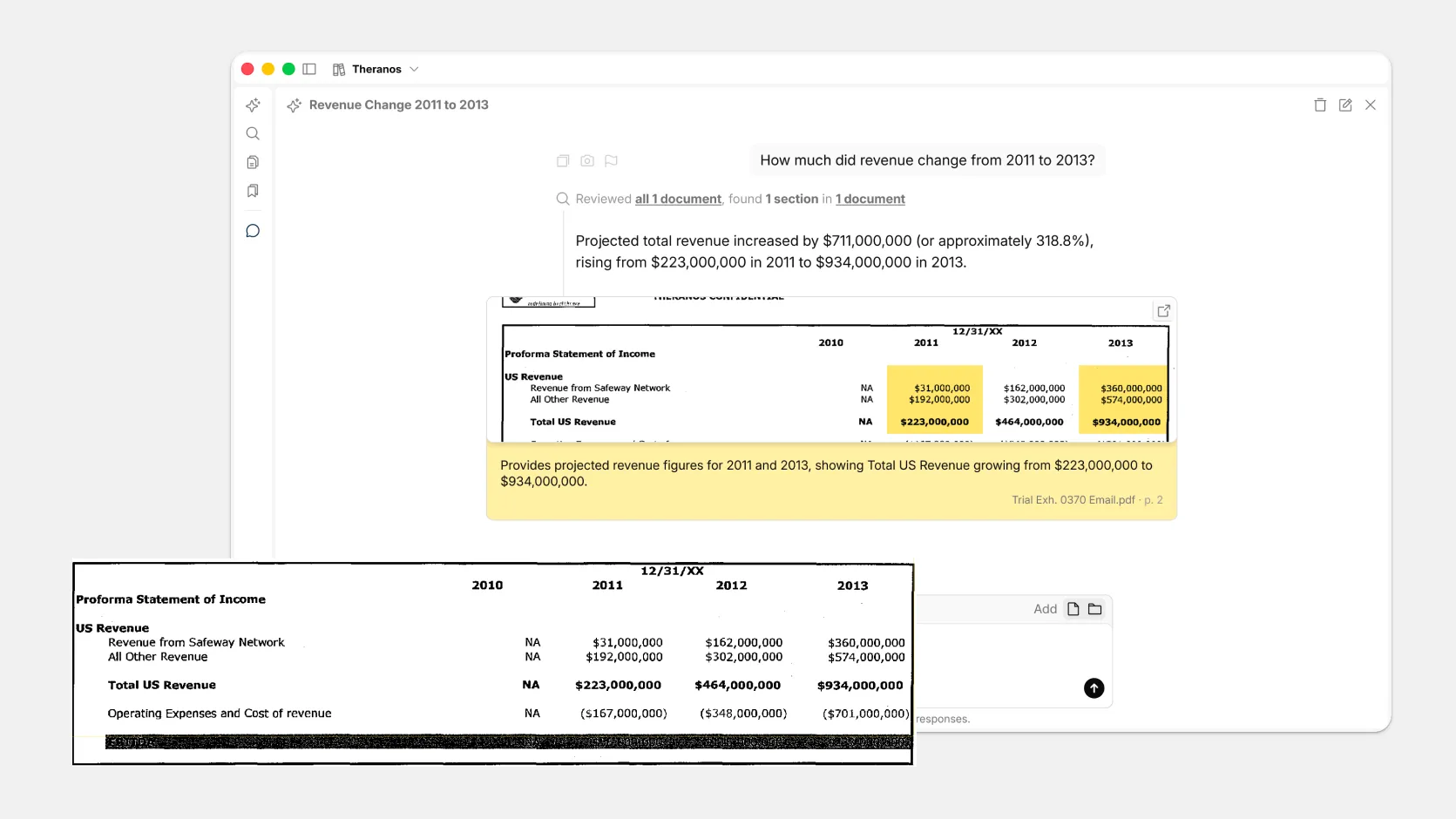
Get answers from tables
Eno's AI reads table data when it answers your questions. Each answer comes with a visual citation of the table it came from, so you can verify its claim against the source document.
See how Eno stacks up against ChatGPT and NotebookLM.
Paste tables and they stay tables
Copy tables out of PDFs and paste them into other apps with the structure intact. With Eno you can paste as:
- Rich Text into Excel, Google Sheets, or Word with its rows, columns and header cells in place.
- Markdown for notes, wikis and chat tools.
- Tab-separated text for anything that wants plain data.
All your tables in one place
Eno scans documents in a workspace for tables and lists them in an index you can navigate. Filter the list to find a specific table, then click to view it in full.
Scanned tables included
Tables in scanned PDFs are searchable, and Eno can answer questions from them too.
We'll send you a link to install Eno on your Mac or PC

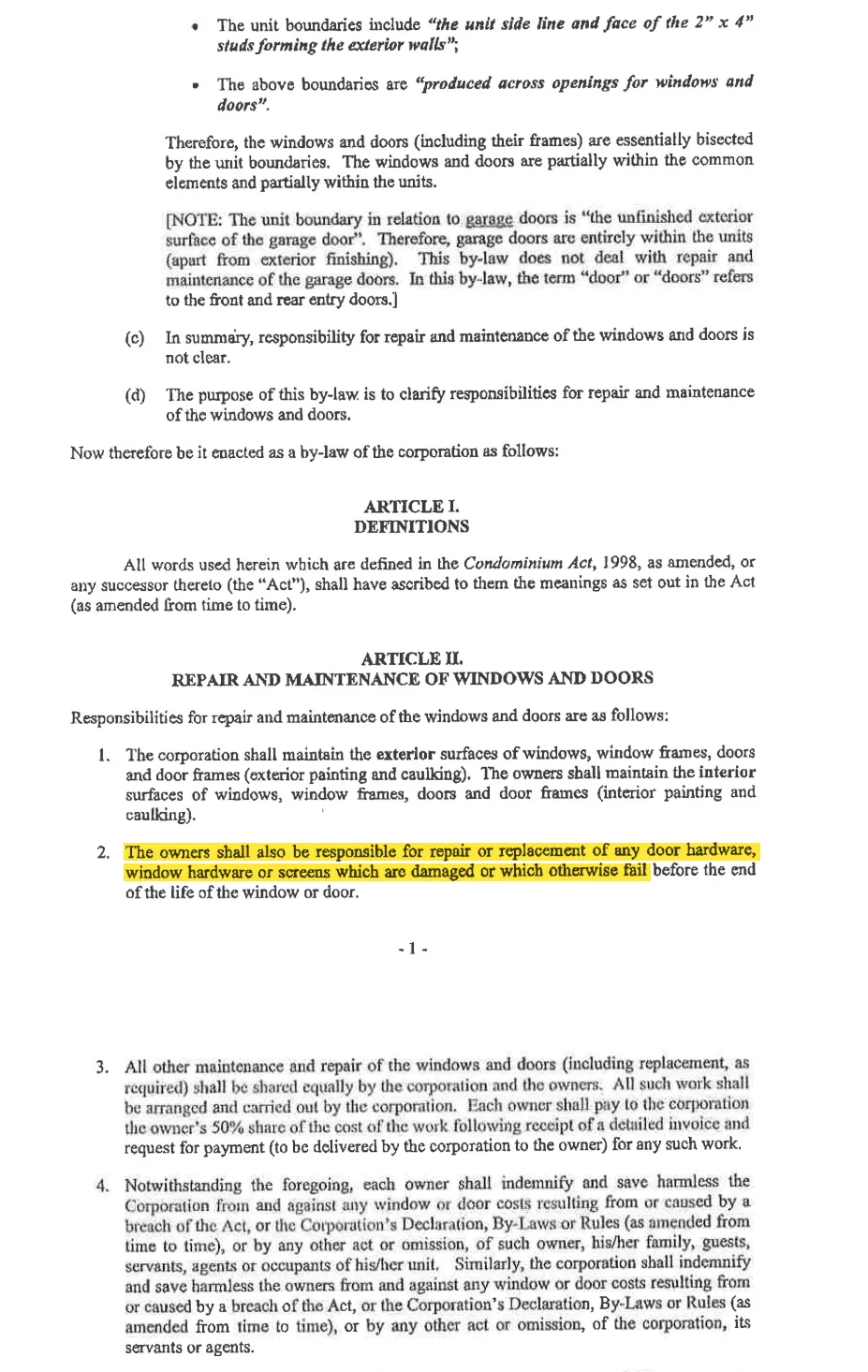
Who is responsible for replacing broken hardware on windows?
Reviewed 7 documents, found 1 section in 1 document
The unit owners are responsible for repairing or replacing broken or damaged window hardware that fails before the end of the window’s life.
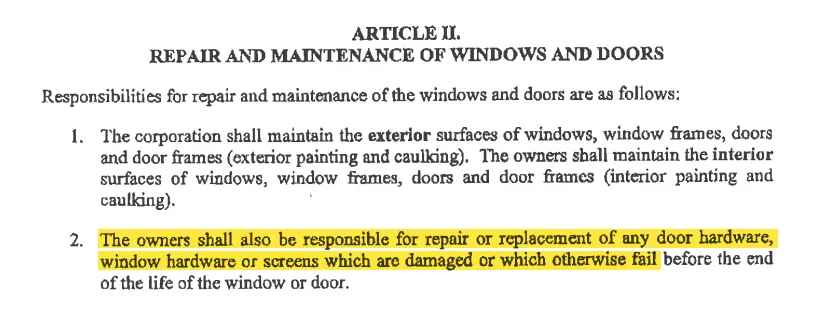
Explicitly assigns responsibility for repairing or replacing damaged or failed window hardware to the owners.
by-law-4 • p. 7