Alternatives to Adobe Acrobat A free PDF reader, minus the Adobe subscription.
Acrobat Reader is free until you want to do anything interesting with a PDF; then you're on the hook for a monthly subscription. Eno is a free PDF reader for Mac and Windows that opens, reads and searches your PDFs. When you need answers from a long document, ask Eno and it will point you to the exact passage.
We'll send you a link to install Eno on your Mac or PC

When to choose Acrobat
Choose Adobe Acrobat when your day is spent making and changing PDFs: editing text, filling and building forms, collecting e-signatures, converting files to and from Office formats.

Choose Eno when you mostly read PDFs and need to understand what's in them. It's free for reading and search, and when a document gets long or complicated you can ask a question and see the exact passage that answers it.
How Eno compares to Adobe Acrobat
Price to read PDFs
Free
Free (Acrobat Reader)
Paid plans
No subscription. Pay as you go: $15 for 5,000 credits (about 50 AI searches).
Start at $9.99 a month and increase from there.
Ask questions of a PDF
1,000 free credits to start, then pay per search.
Requires a paid plan with AI Assistant.
How answers are shown
Short answer, with the exact passage highlighted in your original document.
Chat-style summaries and answers.
Searching many files
Whole folders and thousand-page files, up to 60,000 pages per workspace.
Multi-document insights through PDF Spaces on paid plans.
Scanned PDFs
Built-in OCR, free
OCR on paid plans
Where your files live
Eno can read PDFs on your computer or PDFs stored in Google Drive or Box.
Local, or Adobe Document Cloud
Editing, signing, converting
No
Yes, on paid plans
Platforms
Mac and Windows
Mac, Windows, web, mobile
Lightweight application
✓ 32MB
× 1.6GB
Adobe prices from adobe.com/acrobat/pricing, USD, as of September 2026. Eno prices from enopdf.com/pricing.
Why people look for an alternative to Adobe Acrobat
The price creeps up
Adobe's paid plans start at $9.99 a month, and the price climbs as you add features. That's a lot to pay for opening files. Eno is free for reading and searching PDFs, and you only buy credits if you want AI answers.
Free, with an asterisk
Acrobat Reader is free, but plenty of its buttons lead to a paywall. Want to chat with a document or summarize it? That's a paid plan. Eno gives you 1,000 free AI credits to try it, then lets you pay per search. No subscription to forget about.
Too much app for the job
Most people open Acrobat to read a PDF and find one thing in it. Eno is built around that: open a document, or a whole folder of them, and find what you need.
Your files, somewhere else
Eno runs on your computer and reads files straight off your hard drive. Zero cloud storage, zero data retention, and SOC 2 certified.
What you get with Eno, free
Read and search PDFs for free
Viewing and text search never cost credits. Not after a trial, not ever.
Scanned PDFs work too
Built-in OCR turns scanned pages into text you can search.
Word documents open as well
Keep your .docx files in the same place as your PDFs.
Big files are fine
Search thousand-page PDFs and whole folders. A workspace holds up to 2GB, about 60,000 pages.
Ask when you're stuck
Type a question and Eno gives a short answer with the exact passage highlighted in your original document. Verify the AI's claims in one click.
Runs on your machine
Native app for Mac and Windows. Your files stay on your hard drive, or connect Google Drive or Box.
“Ask eno a question and it shows you the answer. It does not tell you. It saves you the time of searching, but leaves you to review and analyze the data yourself.”

John M.
Litigator
“Owners are constantly asking questions about rules or regulations related to our condo. I can point Eno at our corporate documents and get a clear answer in seconds, rooted in the original source document.”

Geoff A.
Condo Board President
Frequently Asked Questions
Is Eno really free?
Is Eno a replacement for Adobe Acrobat Reader?
Do I need an Adobe account or subscription to use Eno?
Does Eno work on Mac and Windows?
Can Eno open scanned PDFs?
Are my documents uploaded anywhere?
What file types does Eno support?
We'll send you a link to install Eno on your Mac or PC

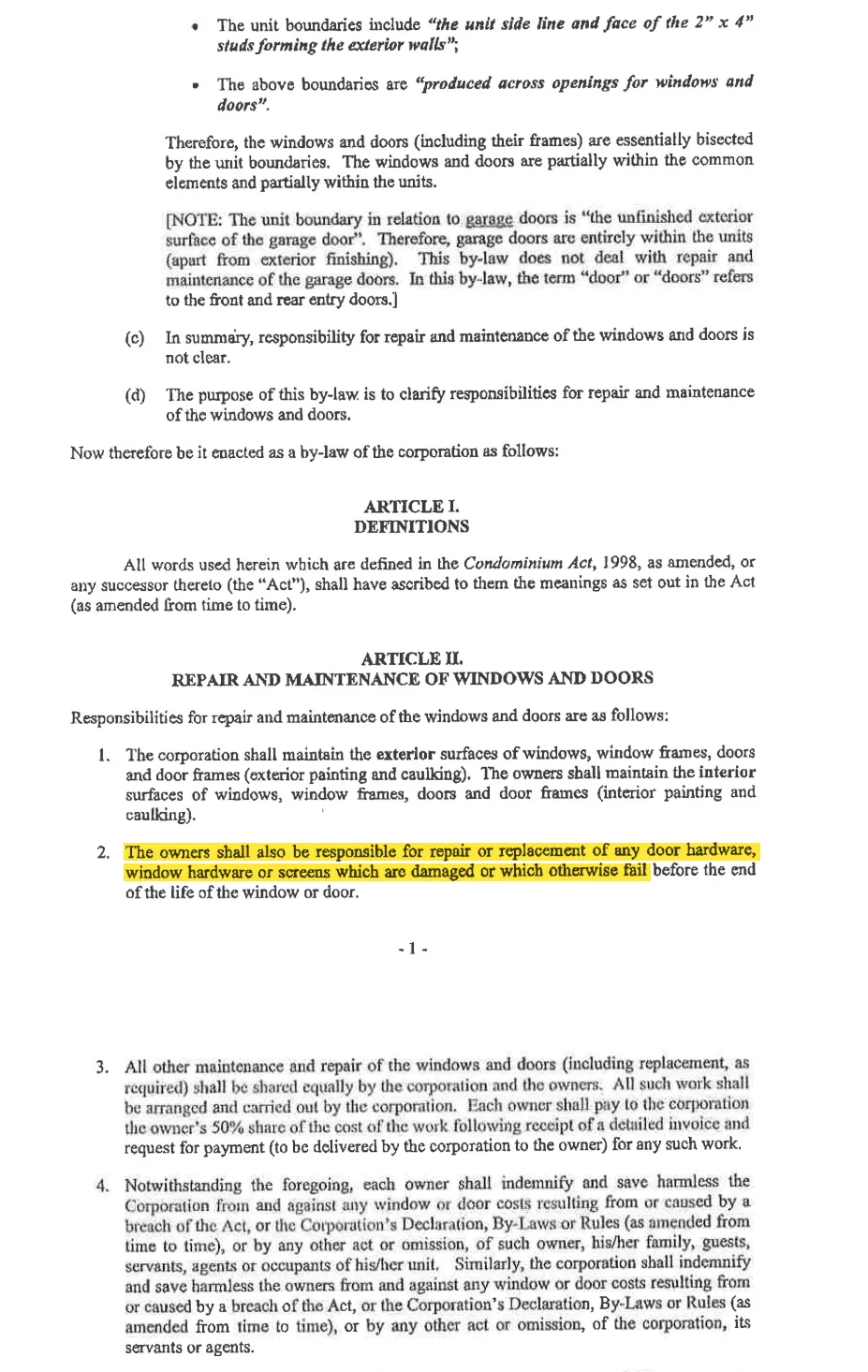
Who is responsible for replacing broken hardware on windows?
Reviewed 7 documents, found 1 section in 1 document
The unit owners are responsible for repairing or replacing broken or damaged window hardware that fails before the end of the window’s life.
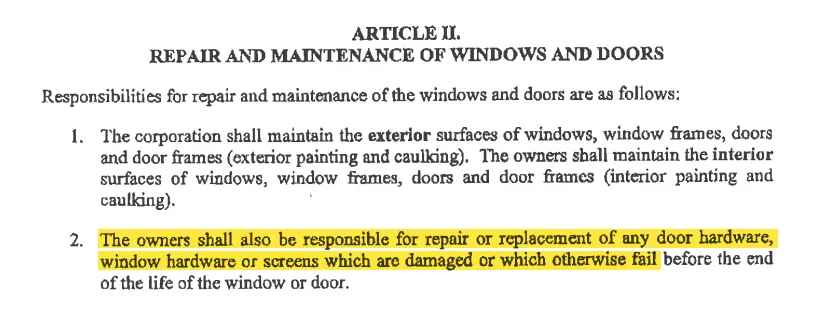
Explicitly assigns responsibility for repairing or replacing damaged or failed window hardware to the owners.
by-law-4 • p. 7