EDGAR to PDF
Paste an EDGAR link. Get a PDF with the pages where they should be.
Not affiliated with or endorsed by the U.S. Securities and Exchange Commission.
In the print dialog, choose Save as PDF and leave margins on Default.
How to save an SEC filing as a PDF
-
Find the filing on EDGAR
and open the document itself (the
.htmfile). - Copy the link from the address bar and paste it above. Links to the inline XBRL viewer (
sec.gov/ix?doc=…) work too. - Click Load filing. A big S-1 takes a few seconds.
- Click Save as PDF. In the print dialog, set the destination to Save as PDF and leave margins on Default.
Why EDGAR filings print badly
Every filing is laid out page by page, but for the filer's margins, not your browser's. Print one and each page comes out a few lines too long, and those lines spill onto the next sheet. Tesla's 43-page 10-Q prints as 49 pages, with tables split from their own headings.
EDGAR to PDF gives every page of the filing its own sheet. Pages that run long are shrunk just enough to fit.
Then get to the part that matters
An S-1 can run past 400 pages. Open it in Eno and ask what you need to know, like who controls the votes after the offering. Eno shows you the exact passage behind every answer.
Frequently Asked Questions
Is EDGAR to PDF free?
Which SEC filings does it work with?
Why does printing an EDGAR filing cut pages in half?
Does the table of contents still work in the PDF?
Do you keep copies of the filings?
Is this an official SEC tool?
We'll send you a link to install Eno on your Mac or PC

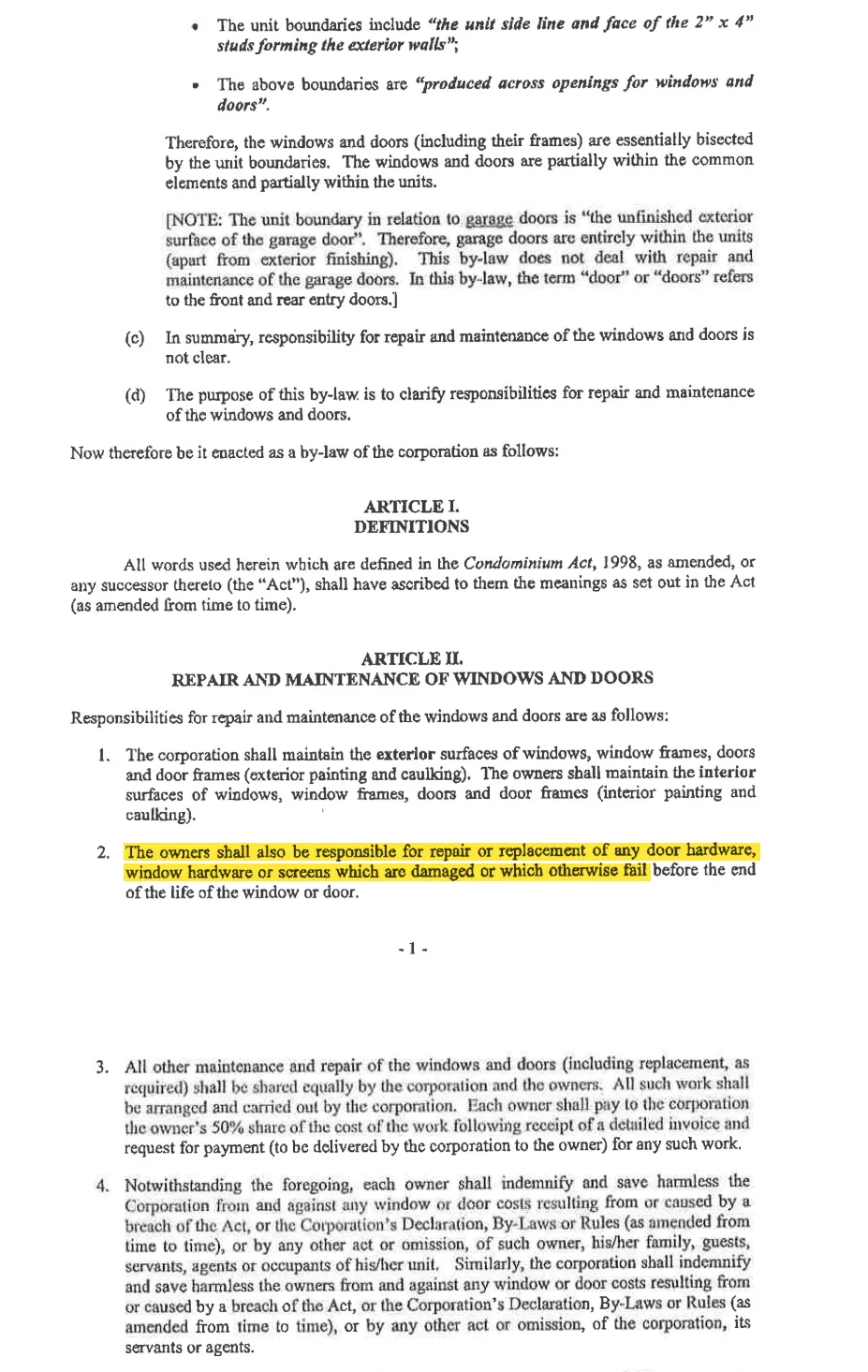
Who is responsible for replacing broken hardware on windows?
Reviewed 7 documents, found 1 section in 1 document
The unit owners are responsible for repairing or replacing broken or damaged window hardware that fails before the end of the window’s life.
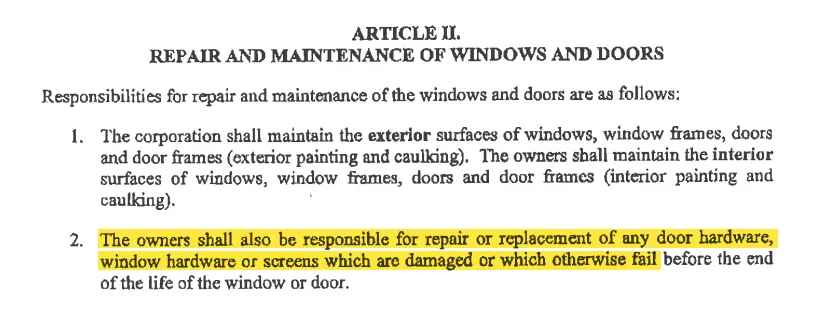
Explicitly assigns responsibility for repairing or replacing damaged or failed window hardware to the owners.
by-law-4 • p. 7