Guide

Run your first AI search

Last updated

Open a file or folder, then ask Eno a question about your documents.

1. Open your documents

From Eno’s welcome screen, choose Open Folder to search several documents, or Open File for one document.
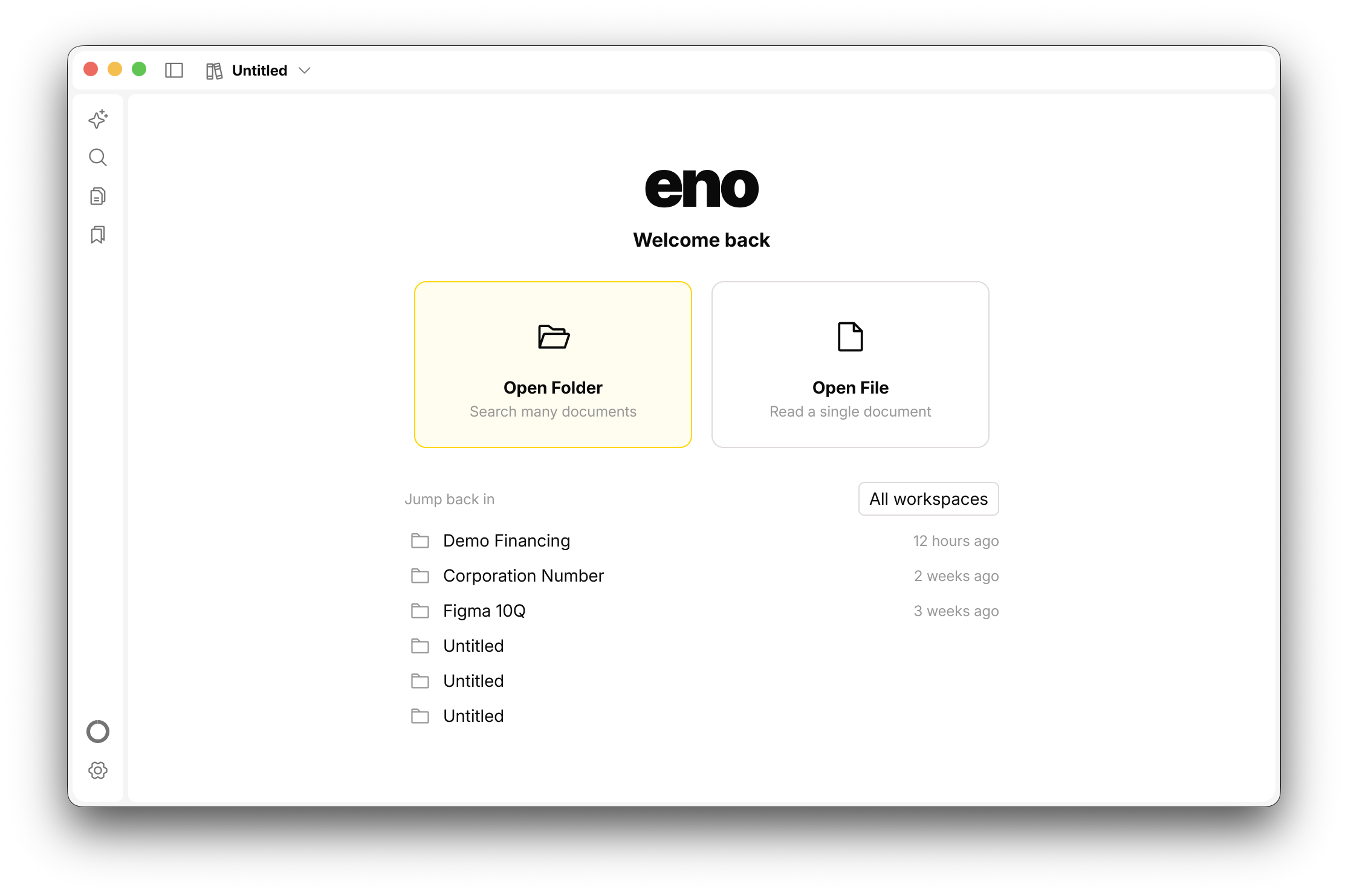
The Open Folder option selected on Eno's welcome screen.
Select Open Folder to search across several documents.

Eno indexes documents automatically. You can begin immediately, but results may be incomplete while the title bar says Indexing.

2. Start a conversation

On the workspace screen, select Start a conversation.
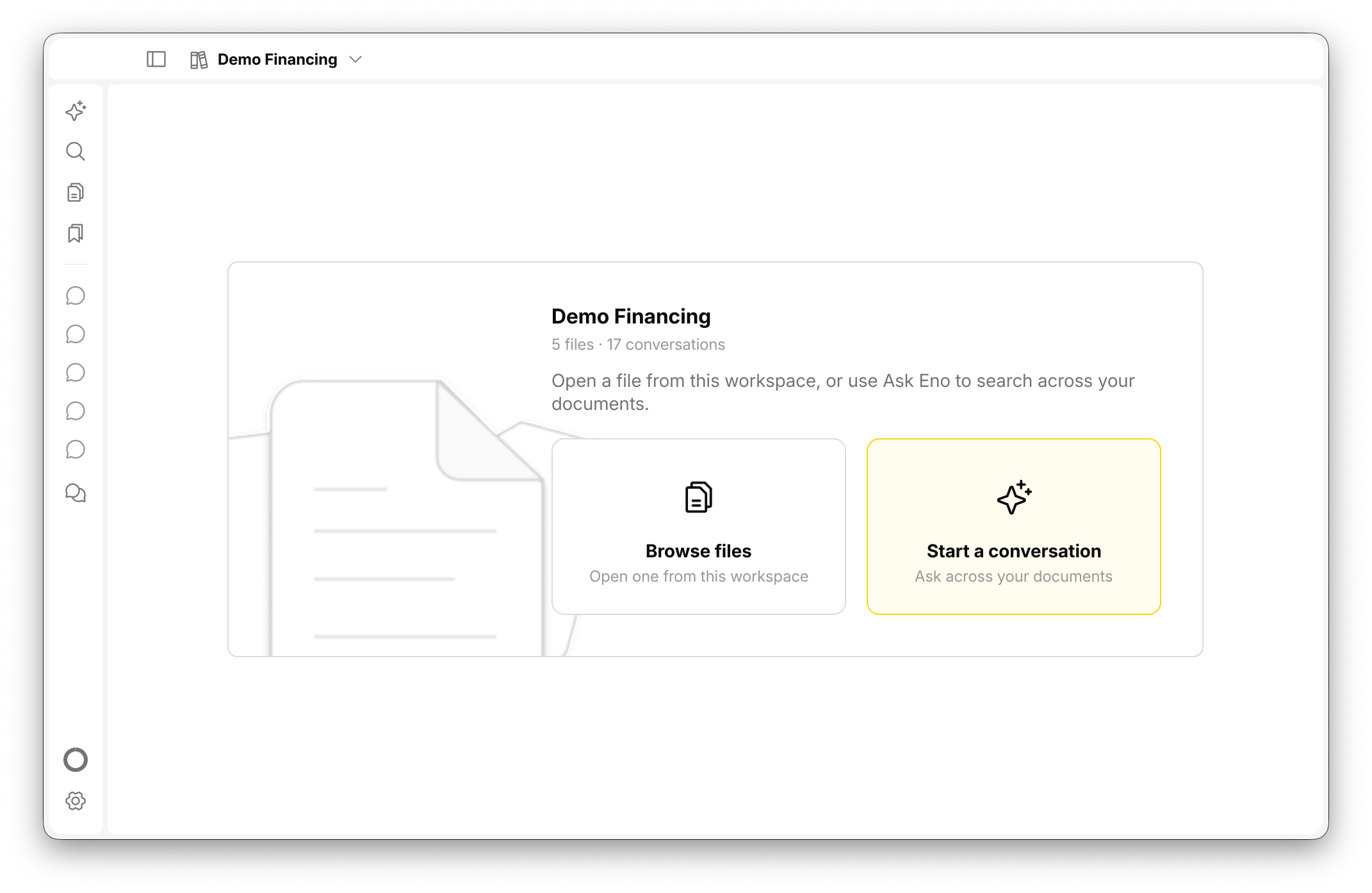
The Demo Financing workspace with Start a conversation selected.
Start a conversation to ask across the documents in your workspace.

3. Ask a question

Type a question in the field labelled What would you like to know…, then press Enter.
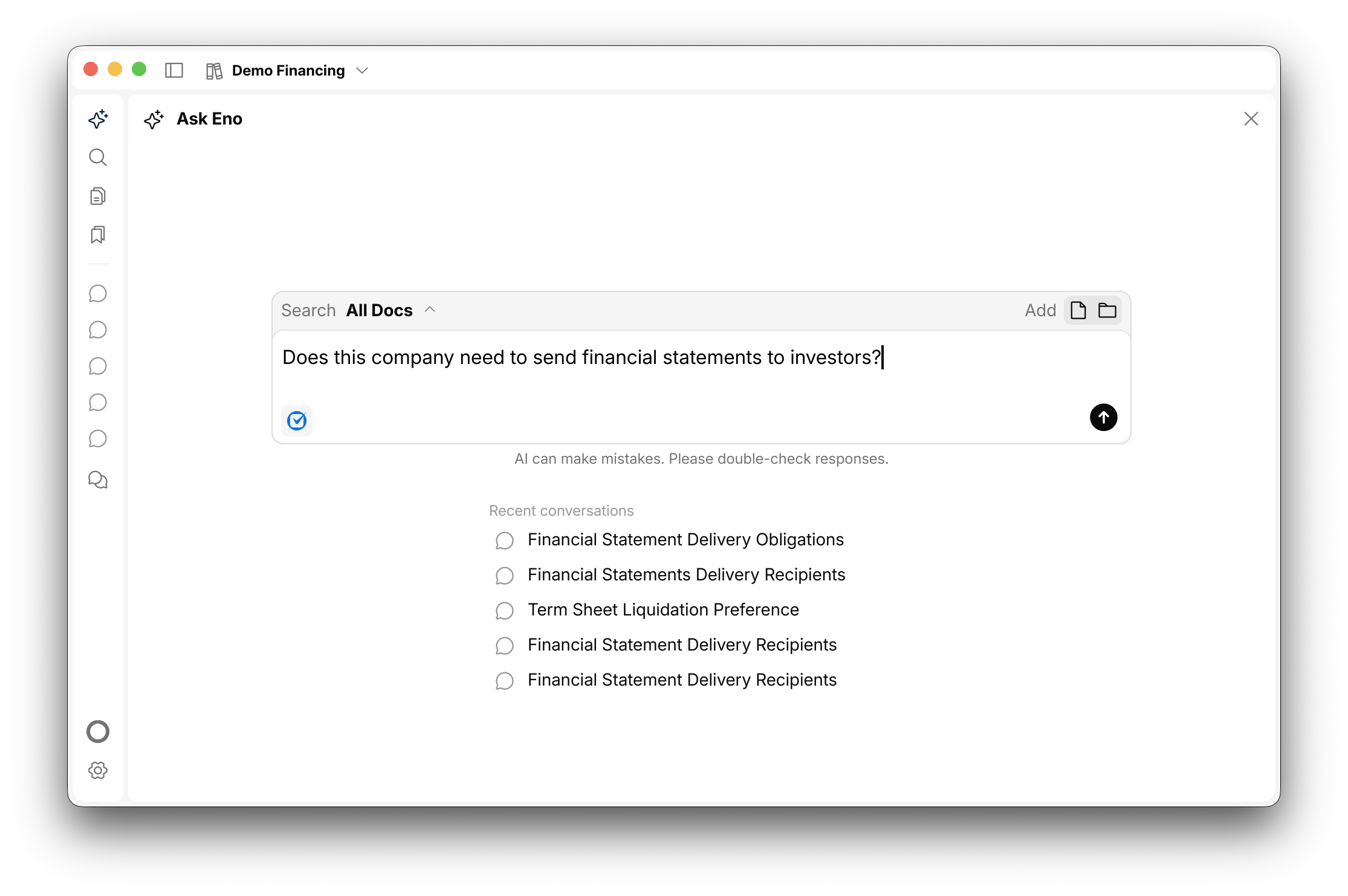
The Ask Eno panel after a search, showing a question about financial statements and the recent conversations list.
When the search finishes, the conversation appears under Recent conversations.

Try one of these:

  • What is the renewal term for this contract?
  • Where in the cross examination did the witness discuss his education?
  • Do investors in this round have a ROFR?

Need help?

Reply to the email that brought you here, or email support@enopdf.com.

Essential cookies

Required for secure sign-in and core site functionality.

Affiliate attribution cookies

Attributes your signup to the partner who referred you. Only present if you arrived through an affiliate link.

Advertising & analytics cookies

Used to measure ad performance and understand site usage. You can opt out at any time.